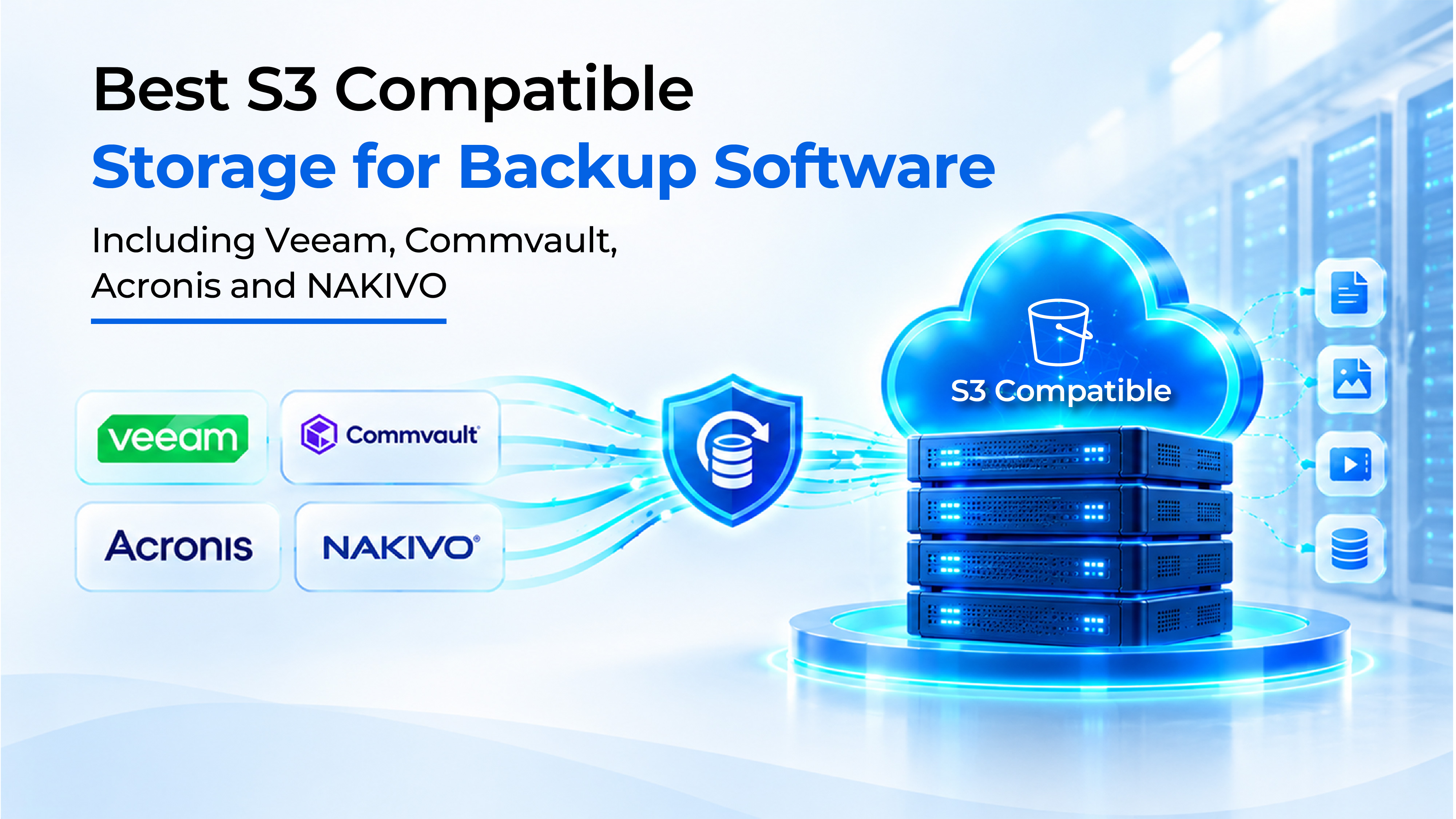
Businesses spend a lot of time picking backup software. The place those backups end up often gets far less thought. That’s a mistake, because the storage destination affects how well your backup policies work, how fast you can restore, and how well you’re protected against ransomware.
As data grows, backup storage has to do more than hold copies of files. It needs to support reliable recovery, keep backups safe from unauthorised changes, and work with the software you already run.
S3 compatible object storage gives IT teams another option. Rather than relying on a single storage provider, you can choose a platform that supports standard S3 APIs and connect it to compatible backup applications.
Stornox offers S3 compatible object storage hosted in India, with Object Lock, versioning, multipart uploads and encryption. It supports backup workflows involving Veeam and provides integration guidance for Commvault and NAKIVO, among other backup tools. What you can actually use depends on your software version and configuration.
1. Why Backup Vendors Standardized on the S3 API
Amazon launched its Simple Storage Service, better known as S3, in 2006. Over the years its API became widely used across cloud storage and software development.
That popularity helped independent storage providers support applications originally built for Amazon S3. Software vendors didn’t have to write a separate connector for every storage platform. They could rely on standard S3 operations to talk to any compatible service.
Backup software gains a lot from this. It can send data to an S3 compatible destination without needing a different integration for each provider.
For IT teams, that means more freedom when choosing storage. You can compare providers and keep your current backup software, as long as the required APIs and features are supported.
Still, compatibility is about more than reaching an endpoint. Backup applications may depend on specific behaviour for Object Lock, versioning, multipart uploads and object metadata. Differences in those areas can affect backup jobs and restores.
Stornox supports standard S3 APIs, and compatible applications can connect with its endpoint URL, access key and secret key. That can make setup easier for organisations that want backup copies on infrastructure located in India.
Before you put any S3 compatible platform into production, test it with your real backup software, confirm the features you need work properly, and run a restore.
2. Feature Checklist for Object Lock, Versioning and Multipart Uploads
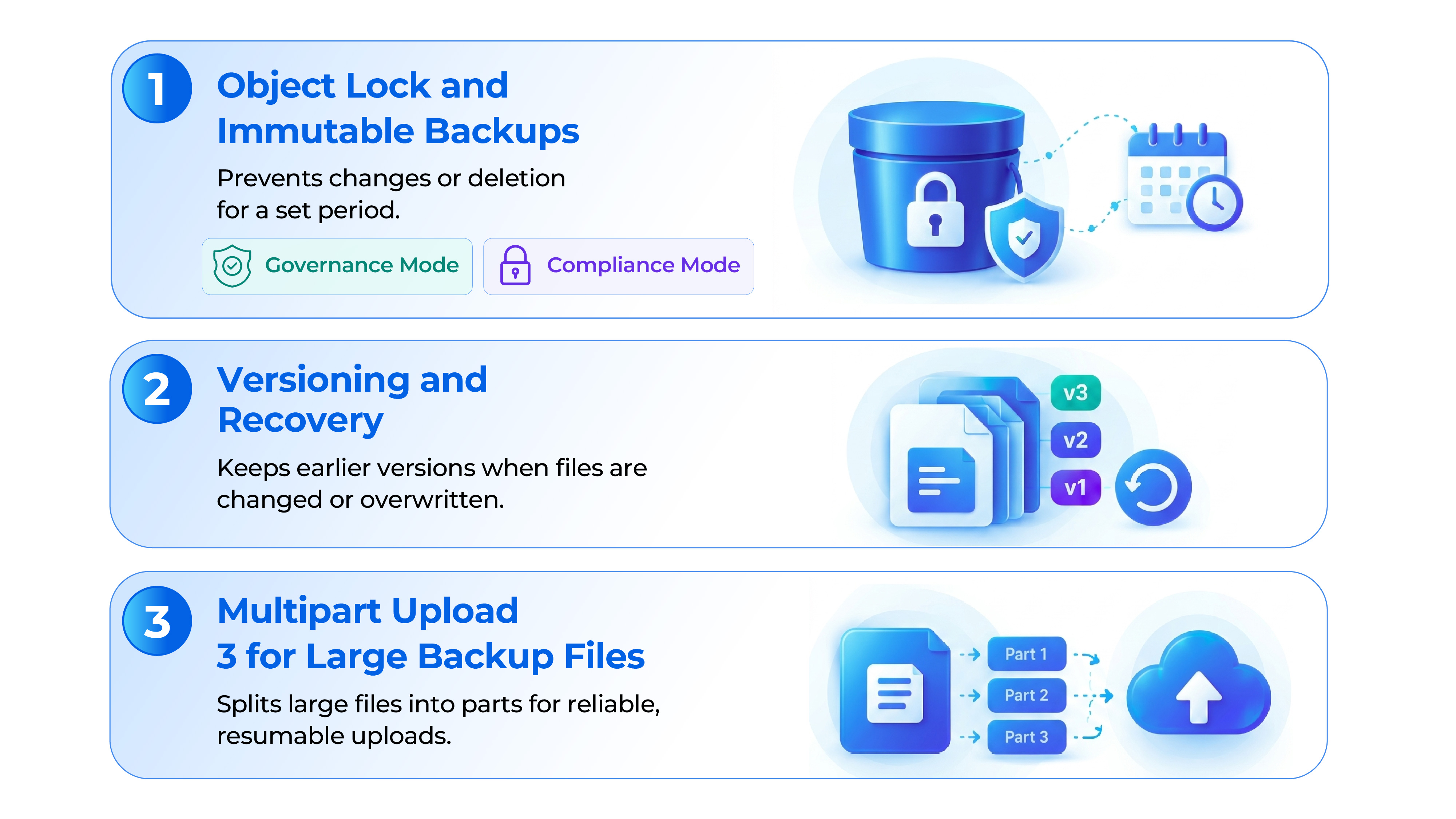
Three features deserve close attention when you evaluate object storage for backups. They protect stored data, preserve earlier versions and handle large backup files.
Object Lock and Immutable Backups
Object Lock provides write once retention. Protected objects can’t be changed or deleted until their retention period ends.
This matters most when you’re defending against ransomware. If attackers get into a backup server or steal its credentials, they’ll often try to delete recovery copies before going after production systems. With Object Lock configured correctly, protected objects stay locked for the retention period you set.
Stornox supports Object Lock in Governance and Compliance modes. Governance mode lets authorised users with the right permissions bypass the lock. Compliance mode gives stricter protection against early deletion.
The right mode depends on your security requirements and retention policies. Configure the bucket carefully and test the behaviour before you trust it with production backups.
Versioning and Recovery
Versioning keeps earlier versions of an object whenever it’s changed or overwritten. That helps you get back a previous copy if a file is replaced by accident or a backup process produces a version you don’t want.
For backups, think about versioning together with retention and deletion controls. Versioning on its own doesn’t guarantee immutability, since users with enough permissions may still be able to delete versions.
Pairing versioning with Object Lock adds another layer, because locked objects are preserved for their retention period.
Stornox supports both versioning and Object Lock, so businesses can set up storage around their backup retention and recovery needs. Test the final configuration against what your chosen backup application expects.
Multipart Upload for Large Backup Files
Backup jobs can produce very large files, especially when they protect virtual machines, databases and enterprise applications.
Multipart upload splits a large object into smaller parts that are uploaded separately. If the connection drops, supported workflows can pick up where they left off instead of restarting the whole upload.
Stornox supports multipart uploads for large objects, including uploads that need to recover from interrupted connections.
When you evaluate a destination, check how your backup application handles multipart uploads, retries and failed transfers. These details matter when you’re moving large amounts of data over a network.
It’s also worth reviewing lifecycle management and encryption. Retention policies should match your recovery requirements, and encryption and access controls should protect backup data across its whole life.
3. Veeam
Veeam Backup and Replication supports S3 compatible object storage repositories. That makes them handy for organisations that want backup copies kept outside their primary infrastructure.
Stornox provides a dedicated Veeam setup guide that explains how to configure an S3 compatible repository and turn on immutable backups.
How Veeam Works With Stornox
Setup starts with the Stornox endpoint URL and the access credentials you receive during onboarding. Prepare a dedicated bucket with versioning and Object Lock enabled.
In Veeam, the administrator picks the S3 compatible object storage option, enters the endpoint and credentials, and selects the bucket.
Once the repository is in place, the administrator can enable immutability for the required retention period. The repository can then serve as a backup copy target, or as a capacity tier in a Scale Out Backup Repository, depending on the Veeam version and licence.
Menu names and available features can differ between releases, so check the documentation for the version you’ve installed.
Recommended Practices
A few precautions make the setup easier to manage.
- Use a dedicated bucket for the Veeam repository.
- Create a separate access key for Veeam and limit it to the storage resources it needs.
- Set the immutability period to fit your recovery and security requirements.
- Turn on Veeam encryption where it makes sense.
- Run restore tests regularly to make sure backup copies can be recovered.
- Keep an eye on repository growth and retention settings.
Stornox also helps with test setups, onboarding and migration planning. You can use that support to validate your configuration before moving production backups.
4. Commvault
Commvault supports S3 compatible object storage as a cloud storage library. That lets organisations use compatible external storage for backup copies and long term retention.
Stornox lists Commvault among the backup platforms that can connect to its S3 compatible storage. Its integration guidance suggests configuring the Stornox endpoint and credentials, then checking the Commvault documentation for your software version.
Using Stornox as a Commvault Storage Destination
The configuration usually means creating a cloud storage library in Commvault and entering the details needed to reach the S3 compatible endpoint.
Administrators need the Stornox endpoint URL, access key, secret key and bucket name, plus a region value if the software asks for one.
After the connection is working, the library can become part of your backup workflow, within the capabilities of the Commvault version you run.
Commvault environments vary with architecture, data protection policies and storage configuration. Make sure the library you select supports the backup and restore operations you plan to use before moving production data.
Protecting Backup Copies
Object Lock can add another layer of protection when the bucket and the backup configuration support the immutable retention workflow you need.
A dedicated access key, carefully set permissions and a separate off site copy can also limit the damage if credentials are compromised or the primary environment fails.
Before deployment, test backup writes, retention enforcement and recovery from the configured library. Those checks show whether the destination meets your operational needs.
5. Acronis and NAKIVO
Acronis and NAKIVO both offer backup and data protection solutions for different business environments. Whether they work with S3 compatible storage depends on the specific product, deployment model, version and supported repository options.
Stornox’s published integration pages specifically document Veeam, Commvault, Rubrik, Veritas, NAKIVO, Synology and QNAP. Acronis isn’t specifically listed on the integrations page, so organisations using Acronis should check compatibility for their particular product and version before planning a deployment.
Acronis
Storage options in Acronis deployments can vary with the product and service configuration.
Before you connect an Acronis solution to an external S3 compatible destination, confirm that your product supports custom S3 endpoints and that the storage features you need are available.
If your deployment does support it, the next steps are to test the connection, write a backup and complete a restore. Check immutability separately instead of assuming it’s on by default.
For organisations considering Stornox, a compatibility discussion and a trial can show whether the proposed Acronis workflow is a good fit.
NAKIVO
Stornox lists NAKIVO as a supported integration option through an S3 compatible backup repository. Its website also notes that immutability is available where the relevant NAKIVO version supports it.
Setup generally needs the Stornox endpoint, access credentials, and the right bucket and region settings where requested.
Once the repository is configured, run a backup and restore test to confirm the connection behaves as expected. Also check whether your installed version supports the immutable backup workflow you have in mind.
For smaller IT teams, a simple repository configuration can cut setup effort. The final design should still reflect your recovery time requirements, network capacity, retention policies and the number of systems you’re protecting.
6. Sizing and Cost Considerations
Choosing object storage for backup takes more than estimating how much data you hold today. Backup frequency, retention periods, data reduction, recovery requirements and request activity all shape how much storage you’ll need.
A well planned design should cover normal operations and large scale recovery events.
Estimate the Storage Requirement
Begin with the total volume of data you’re protecting and how often backups run.
Then look at your retention policy, how many full and incremental backups you keep, and whether the backup software compresses or deduplicates data before it goes to object storage.
Deduplication and compression can cut the amount of data transferred and stored, but results depend on the workload and configuration. Data that’s already compressed or encrypted may shrink less.
Rely on measured results from a representative backup job instead of general estimates.
It’s also sensible to leave room for metadata, version history, retention growth and changes in the amount of data you protect over time.
Plan for Recovery
Judge a storage platform by how well it supports restoration, not only by how efficiently it stores backup files.
Think about how much data you’d need to recover after an incident, how much network bandwidth you have, and how long it would take to bring critical systems back.
Run test restores at regular intervals and record what happens. Recovering a small file confirms the basic process works. A larger recovery test shows how the platform performs under realistic conditions.
Stornox supports off site backup storage hosted in India, with Object Lock and versioning available for suitable configurations. These capabilities can help organisations build a backup strategy that keeps recovery copies separate from the primary environment.
Why Stornox Belongs in This Evaluation
Stornox provides S3 compatible object storage for businesses that want to keep using their existing backup software while storing backup copies on infrastructure located in India.
The platform supports Object Lock in Governance and Compliance modes, versioning, multipart uploads and AES 256 encryption. Client side encryption is also available for organisations that want to keep control of their encryption keys.
The integrations information on the Stornox website covers Veeam, Commvault, NAKIVO, Rubrik, Veritas NetBackup, Synology Hyper Backup and QNAP Hybrid Backup Sync. The site also offers a dedicated Veeam setup guide and general configuration guidance for other compatible backup tools.
For IT teams, the practical benefit is being able to evaluate an S3 compatible destination without automatically replacing their backup software. Compatibility and immutability still need to be checked against your product version and configuration.
Stornox also offers onboarding assistance, test setups and migration planning, which gives organisations a chance to validate their intended workflow before moving important backup data.
If your team is looking at a new backup destination, read the integration documentation and test the platform with your real backup and recovery processes.
Visit the Stornox Integrations page to explore supported workflows, or book a demo to discuss your requirements.
7. Frequently Asked Questions
What does S3 compatible mean for backup software?
It means a storage platform supports standard Amazon S3 API operations. Backup software that accepts custom S3 endpoints can often connect by entering the endpoint URL and access credentials.
Compatibility depends on the specific operations and features an application needs. Check the vendor documentation and test your intended workflow before using it in production.
Is Object Lock required for immutable backup storage?
Object Lock is an important storage level control for enforcing write once retention. Configured correctly, it stops protected objects from being modified or deleted during their retention period.
Governance and Compliance modes offer different levels of protection. The right choice depends on your security and retention requirements.
Can Commvault use Stornox as a cloud storage library?
Stornox lists Commvault as an integration option for S3 compatible cloud storage libraries. Administrators should configure the endpoint and credentials, verify the required features against their Commvault version, and run backup and restore tests.
Can NAKIVO use Stornox for backup storage?
Stornox lists NAKIVO as an S3 compatible backup repository option. Immutability depends on the features supported by your NAKIVO version, so confirm compatibility and test the intended configuration before deployment.
Does Stornox support Acronis?
Acronis isn’t specifically listed on Stornox’s published integrations page. Organisations should confirm whether their Acronis product and version supports a custom S3 compatible endpoint and the required storage features before going ahead.
What should be tested before choosing an S3 compatible backup platform?
Test a complete backup write cycle, a restore from the stored backup, Object Lock enforcement where required, and recovery performance under realistic network conditions.
Also verify versioning behaviour, multipart uploads, access permissions and retention settings. These tests expose compatibility problems before the platform becomes part of your production recovery plan.
How can I get started with Stornox?
Visit the Stornox Integrations page to review the available setup guidance. Stornox offers help with onboarding, test setups and migration planning.
For Veeam, the dedicated setup guide covers the required endpoint, credentials, bucket configuration and immutability settings.
For other backup tools, confirm the supported features with the software vendor and test the configuration with Stornox before moving production data.
Product names belong to their respective owners and are used only to describe compatibility. Stornox is not affiliated with or endorsed by these companies. Supported features depend on the product version, licence and configuration.